Up and running in under 2 minutes
Install from Chrome Web Store, enter your license key, done. Four simple steps to start generating AI product images and scanning shipping rates.
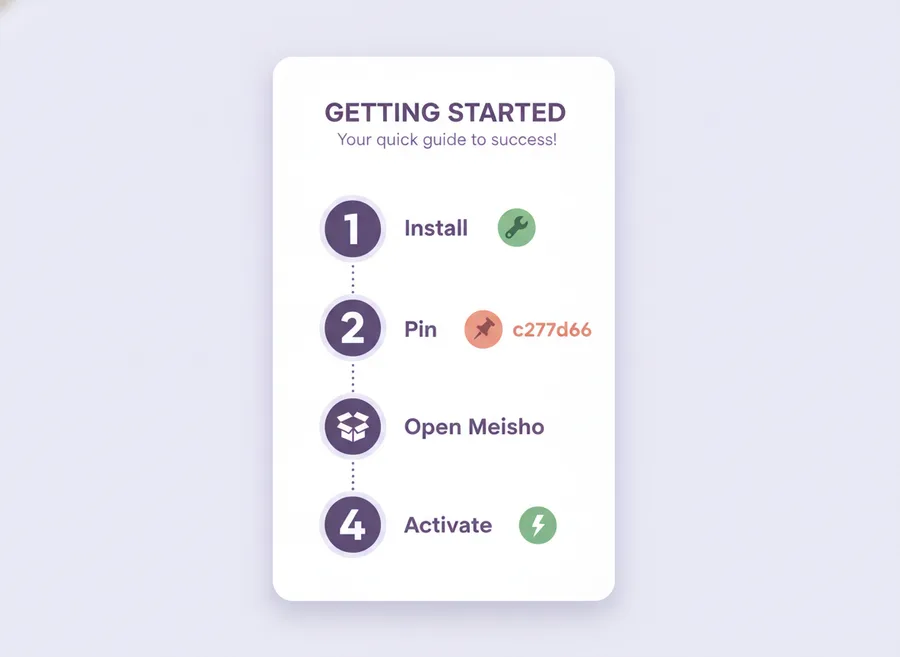
4 steps to get started
Follow these steps and you'll be generating images in no time.
Install from Chrome Web Store
Click the button below to add the extension to Chrome. It's free to install and works only on supplier.meesho.com — no data leaves your browser without your action.
Open Chrome Web StorePin the extension
After installing:
- Click the puzzle icon in Chrome's top-right toolbar
- Find "Meesho Shipping Price Checker" in the list
- Click the pin icon to keep it visible in your toolbar
Open Meesho Supplier Portal
Navigate to supplier.meesho.com, log in with your Meesho seller account, and go to your catalog or product listing page. The extension panel will appear on the right side of the page.
Activate with your license key
Paste your license key into the extension panel and click Activate. Your key is available on your Account page after registration.
Don't have a license key? Register for free — you get a trial with credits, no credit card required.
What you can do now
With the extension activated, you unlock these features:
AI Product Images
Generate professional backgrounds, borders, and variations from a single product photo.
Bulk Upload
Push hundreds of images to Meesho in one click. Failed uploads retry automatically.
Shipping Scanner
Find the 10 cheapest shipping rates across all variations and apply with one click.
Community Rates
Browse anonymized rates from other sellers — free, no credits needed.
Troubleshooting
Extension panel not visible
Make sure you're on the catalog or product listing page at supplier.meesho.com. Try refreshing with Ctrl+F5. The extension only activates on specific Meesho pages.
Missing toolbar icon
Click the puzzle-piece menu in Chrome → find "Meesho Shipping Price Checker" → click the pin icon to keep it visible.
Invalid license key
Copy the key exactly from your Account page using the copy button. Keys are case-sensitive and include dashes (e.g. XXXX-XXXX-XXXX-XXXX-XXXX).
"Update required" message
Go to chrome://extensions, enable Developer mode, and click Update. Or wait for Chrome to auto-update within a few hours.