Find the cheapest shipping instantly
Stop guessing shipping rates. Our extractor sweeps every live rate and surfaces the 10 cheapest options — reduce shipping charges in one click.
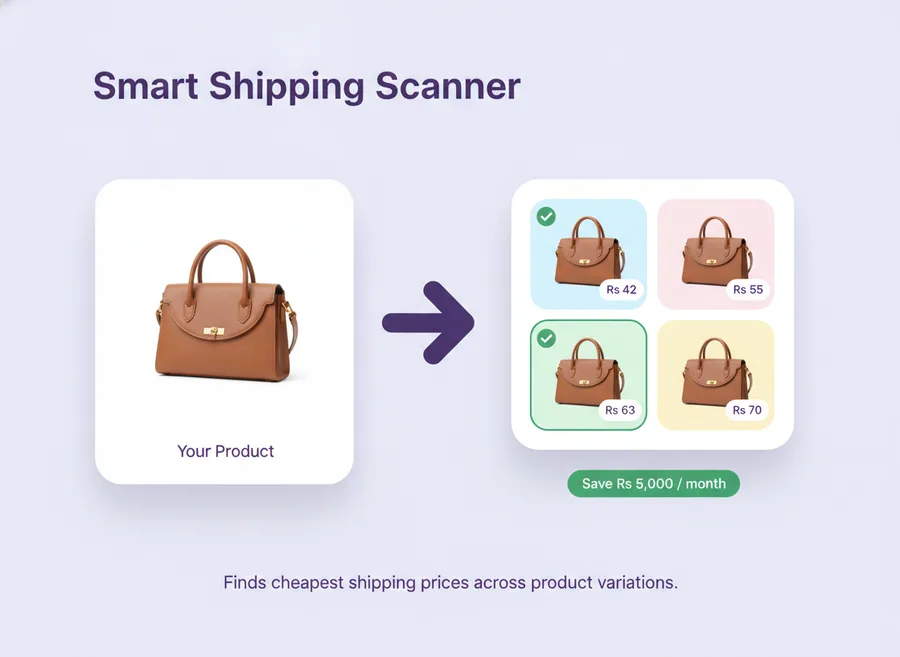
What a Meesho shipping extractor does
A shipping extractor reads every shipping rate Meesho offers for a product — across each weight and dimension bucket — and pulls them into one ranked list. Ours runs as a Chrome extension inside supplier.meesho.com, extracts the full rate card per SKU, and shows you the cheapest options so you can reduce shipping charges without manual look-ups.
How it works
- After image creation (or on demand), the scanner runs in the background.
- It checks rates for your product's weight and dimensions against all available shipping options on Meesho.
- Results are cached locally so repeat scans are instant.
- The Shipping tab shows the 10 cheapest options with an Apply button.
Features
- One credit per scan. Applying a rate is free. Browsing results is always free.
- Batch scans — scan multiple products in one pass.
- Rescan button to force a fresh lookup when rates change.
- Smart caching so the same product is not scanned twice unnecessarily.
- Feeds into Community Rates — your top 10 contributes anonymized rate data to the community pool.
Typical savings by seller size
| Monthly orders | Average savings per order | Estimated monthly savings (₹) |
|---|---|---|
| 200 | ₹10–₹18 | 2,000 – 3,600 |
| 500 | ₹12–₹20 | 6,000 – 10,000 |
| 1,000 | ₹13–₹22 | 13,000 – 22,000 |
| 3,000 | ₹14–₹24 | 42,000 – 72,000 |
Frequently asked questions
How much can a shipping extractor reduce my Meesho shipping charges?
The spread between cheapest and most expensive valid rate averages ₹14 per shipment — about 15–30% of a typical rate.
Are the cheapest rates reliable for actual delivery?
The scanner only surfaces rates that Meesho itself offers — active carriers on Meesho's integrated network.
Does the scanner run when my browser is closed?
No. It runs only when Chrome is open on supplier.meesho.com.