Crowdsourced cheapest rates
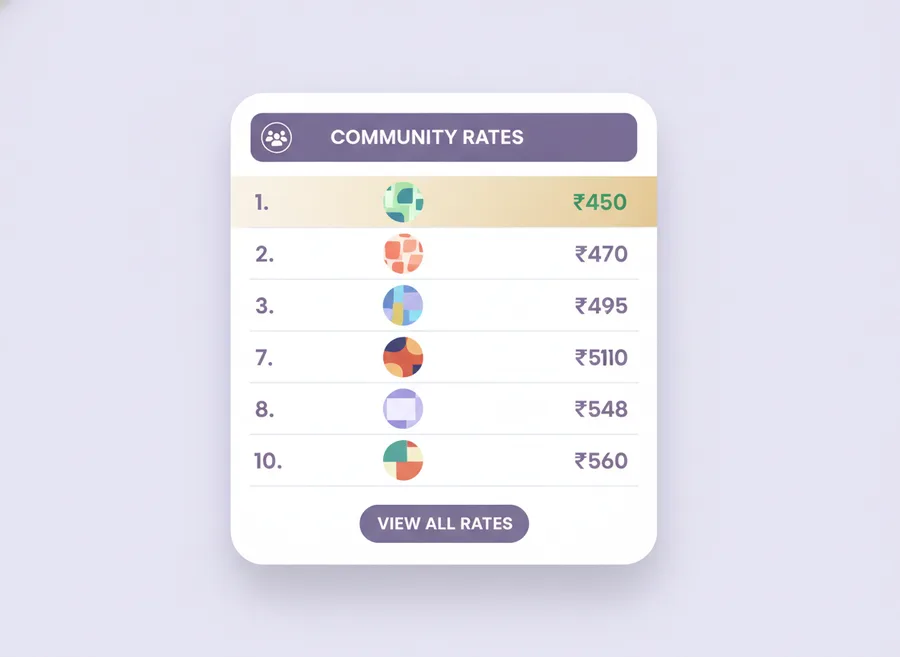
The top 10 cheapest shipping rates discovered across the entire seller community — anonymized and shared with every user, free.
The idea
A single seller can only scan rates for their own products. But together, thousands of Meesho sellers are constantly finding rate combinations that most of us never see.
Community Shipping Rates collects the top 10 lowest rates discovered by every user running the Auto Shipping Scanner, anonymizes them, and makes them available to the whole community.
How it stays anonymous
Only the following fields leave your browser:
- Weight bucket (e.g. 0–250g, 250–500g)
- Dimensions bucket
- Origin/destination pincode band
- The rate
- Timestamp
We never share your license key, name, email, store name, product title, SKU, or images. See the Privacy Policy for the full list.
How you use it
- Open the Extension panel and go to Shipping → Community.
- The tab lists the top 10 lowest rates currently available for your product's weight and dimensions bucket.
- Click Apply to set the rate on Meesho with one click.
Why community pricing works for Meesho sellers specifically
Meesho carriers publish a large matrix of rates: weight bucket × dimensions bucket × origin pincode × destination pincode band. No single seller can explore every cell of that matrix alone. When thousands of sellers each sample a few cells, the collective pool covers most of the matrix within days.
Frequently asked questions
Are community rates always cheaper than my own scans?
Not always. In well-trafficked weight buckets, your own scan often finds the same best rate. Community rates shine in buckets you don't sample often yourself.
Is contributing required?
No. Contributing is default-on but can be turned off. You can still browse community rates even if you opt out.
Does applying a community rate cost credits?
No. You spend one credit when you run a scan; applying the result costs nothing. Browsing the community tab is always free.
Join the seller community
Every scan helps someone else save money on shipping. And vice versa.
Get Free License