Bulk Upload
Push hundreds of images in one click
Upload product images to supplier.meesho.com in batches — using your own logged-in session. No manual drag-and-drop.
100+ images
Auto retry
What it does
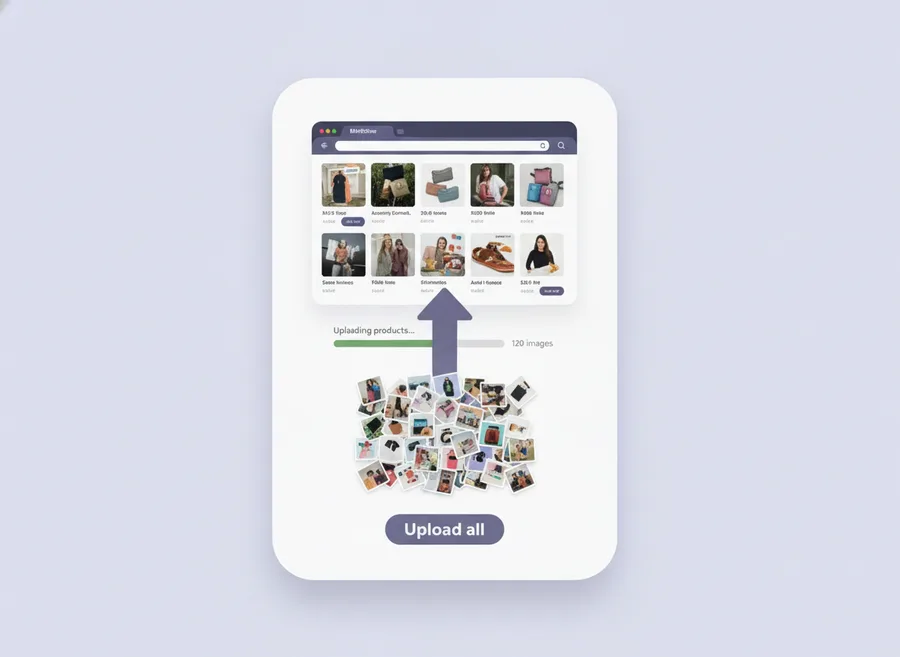
Instead of opening each Meesho catalog row, dragging an image, waiting, and repeating, the Bulk Image Upload tool takes a set of images (from AI Image Creator or from your computer) and pushes them to your Meesho Supplier Panel in a single batched operation.
Why it is safe
- We never ask for your Meesho password.
- Uploads run through your own browser session — the exact same requests you would make manually.
- No headless browsers, no remote automation, no stored credentials.
Features
- Parallel upload with configurable concurrency.
- Per-image progress and detailed error reasons.
- Retry failed with one click — only failures are retried, successes are preserved.
- Matches Meesho size rules automatically and resizes where needed.
- Works with AI Image Creator output or any folder of product images on your computer.
How it works
- Make sure you are logged into supplier.meesho.com in the same browser.
- Open the Extension panel and go to Bulk Upload.
- Select images to upload (or use the current AI job output).
- Click Upload — the progress bar shows per-image status.
- If any fail, click Retry failed without restarting the whole batch.
Real-world time savings
| Catalog size | Manual click-by-click | With Bulk Upload |
|---|---|---|
| 20 products × 4 images (80) | 1.5–2 hours | 8–12 minutes |
| 50 products × 4 images (200) | 3–4 hours | 15–25 minutes |
| 100 products × 4 images (400) | 6–8 hours | 30–50 minutes |
| 250 products × 4 images (1000) | two+ days of work | ~90 minutes |
Frequently asked questions
Does Meesho penalize bulk-upload usage?
No. The tool uses your own logged-in session and makes the same API calls your browser would.
Can I upload to multiple Meesho stores?
Yes. The Extension is device-bound, not account-bound.
Is Bulk Upload a premium feature?
No. Bulk Upload is free on every plan, including the free trial.